 You will need the "Insert", "Properties", and the "Files" ticked.
 Basics to know about Dreamweaver CS 3 - index to notes for all classes
The menu bar...
1. Firstly, be sure these menus are selected at the start of your work...
You will need the "Insert", "Properties", and the "Files" ticked.
2. THE MENU BAR THAT IS AT THE TOP OF YOUR WINDOW
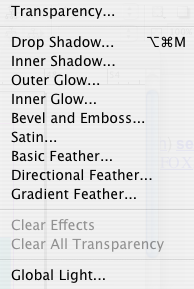
3. > in years 6 - 10 we will be developing different parts of Dreamweaver. Firstly, all need to know how to create a "new file". To create a new page click  which opens the various types of pages we are able to create. To begin with everyone will select a new blank page
  and then click create
  at the bottom right.
4. In select 'preview in Browser"  to see what your page will look like on the Internet (you will be asked to name and save your document).
5. YOUR VERY FIRST PAGE - WHICH YOU WILL BE DEVELOPING THROUGHOUT YOUR DWIGHT SCHOOL LIFE MUST BE index.html and saved in your folder. This is the page that will load up first. It does not say index.html - it is the homepage. For example, http://www.dwight.edu
Do that now. File > new (as shown above in 3.) and save it as .html